

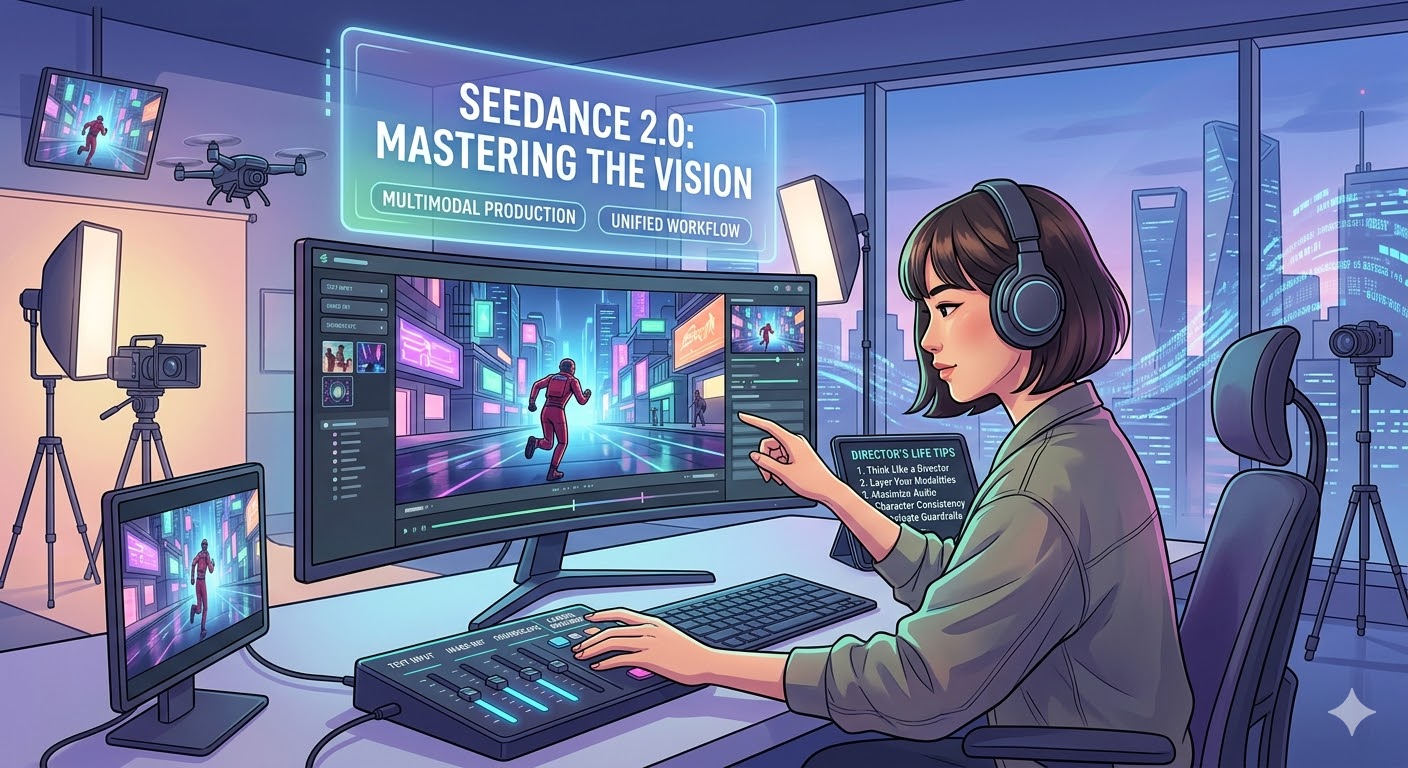
Since its release earlier this year, Seedance 2.0 has completely shifted the landscape of AI video generation. With its massive leaps in multimodal understanding and highly realistic physics, it acts less like a simple rendering tool and more like a virtual film set.
Whether you are a content creator, a marketer, or just exploring the tech, here are some pro tips to help you master Seedance 2.0:
1. Think Like a Director, Not Just a Writer Seedance 2.0 has built-in “directorial thinking,” meaning it understands cinematic language. Don’t just describe what is happening; describe how the camera is capturing it.
- Specify Camera Movements: Use industry terms like “drone sweep,” “handheld tracking shot,” “slow push-in,” or “pan right.”
- Control the Lighting: Lighting dictates the mood. Add phrases like “soft volumetric lighting,” “neon cyberpunk glow,” or “harsh dramatic shadows” to instantly elevate the production value.
2. Layer Your Modalities (Don’t Just Use Text) The model’s biggest strength is its unified multimodal architecture.
- The Combo Move: Relying only on text prompts leaves a lot to chance. For the best results, upload a reference image to lock in the visual aesthetic, use text to describe the motion/action, and provide an audio cue if needed. This gives you exact control over the final output.
3. Maximize the Dual-Channel Audio One of the standout upgrades in 2.0 is its high-fidelity, dual-channel stereo sound generation that syncs with the video.
- Prompt for Soundscapes: Actively describe the audio environment in your text prompt. If you are generating a forest scene, add “sound of crunching leaves underfoot with distant birds chirping.” The AI is excellent at aligning background music, Foley (sound effects), and atmospheric audio with the visual rhythm of the video.
4. Master Character Consistency in Complex Scenes Seedance 2.0 handles multi-character interactions—like sports or dynamic action—better than previous models, but it still needs clear instructions to avoid blending characters together.
- Use Visual Anchors: Give characters highly distinct, contrasting features or clothing (e.g., “A woman in a bright neon-yellow jacket” vs. “A man in a dark velvet suit”). This helps the model track who is who during fast-paced movements and prevents visual glitches.
5. Navigate the New IP Guardrails Safely Following the recent friction with major studios like Disney and the MPA, ByteDance has strictly tightened its copyright and IP filters.
- Keep it Original: Avoid using specific celebrity names, trademarked characters, or copyrighted movie universes. If you prompt for “Spider-Man,” you will likely get blocked. Instead, use evocative descriptions: “An agile superhero in a red and blue webbed suit swinging through a modern metropolis.” You’ll get the vibe you want without hitting the safety filters.
With a few tweaks to how you prompt and layer your inputs, you’ll be generating incredibly realistic, cinematic videos in no time.